Language Support
The GVA HMI supports full multi-language UI translation via Qt's internationalization (i18n) framework. All user-facing text — function key labels, status bar indicators, alarm messages, and widget strings — is translatable, enabling deployment to international customers without code changes.
Overview
The translation system uses Qt's standard .qm compiled translation files. At startup, the HMI resolves the active language from (in priority order) the command line, the configuration file, or the system locale, then loads the corresponding translation files.
Two translation domains are loaded independently:
gva-hmi_<lang>.qm— Application-level strings (function key labels, screen titles, status messages)gva-widgets_<lang>.qm— Widget library strings (table headers, alarm text, PPI labels)
Supported Languages
| Language | Code | Flag |
|---|---|---|
| English | en |
:gb: (default, built-in) |
| Czech | cs |
:czech_republic: |
| German | de |
:de: |
| Greek | el |
:greece: |
| Spanish | es |
:es: |
| Finnish | fi |
:finland: |
| French | fr |
:fr: |
| Italian | it |
:it: |
| Norwegian Bokmål | nb |
:norway: |
| Dutch | nl |
:netherlands: |
| Polish | pl |
:poland: |
| Swedish | sv |
:sweden: |
| Turkish | tr |
:tr: |
| Ukrainian | ua |
:ukraine: |
Setting the Language
Command Line (Highest Priority)
Configuration File
Set the "language" key in gva-hmi-config.json:
System Locale (Lowest Priority)
If no explicit language is configured, the HMI reads the system LANG or LC_ALL environment variable:
# System locale drives language selection
export LANG=de_DE.UTF-8
gva-hmi
# → Resolves to "de" (German)
The two-letter language code is extracted from the locale string (e.g. fr_FR.UTF-8 → fr).
Priority Order
Translation Search Paths
The HMI searches for .qm translation files in the following locations (first match wins):
| Priority | Path | Typical Use |
|---|---|---|
| 1 | <executable_dir>/translations/ |
Development builds |
| 2 | <executable_dir>/../share/gva-hmi/translations/ |
Installed packages (relative) |
| 3 | /usr/share/gva-hmi/translations/ |
System-wide installation |
| 4 | :/translations |
Qt resource system (embedded) |
Examples
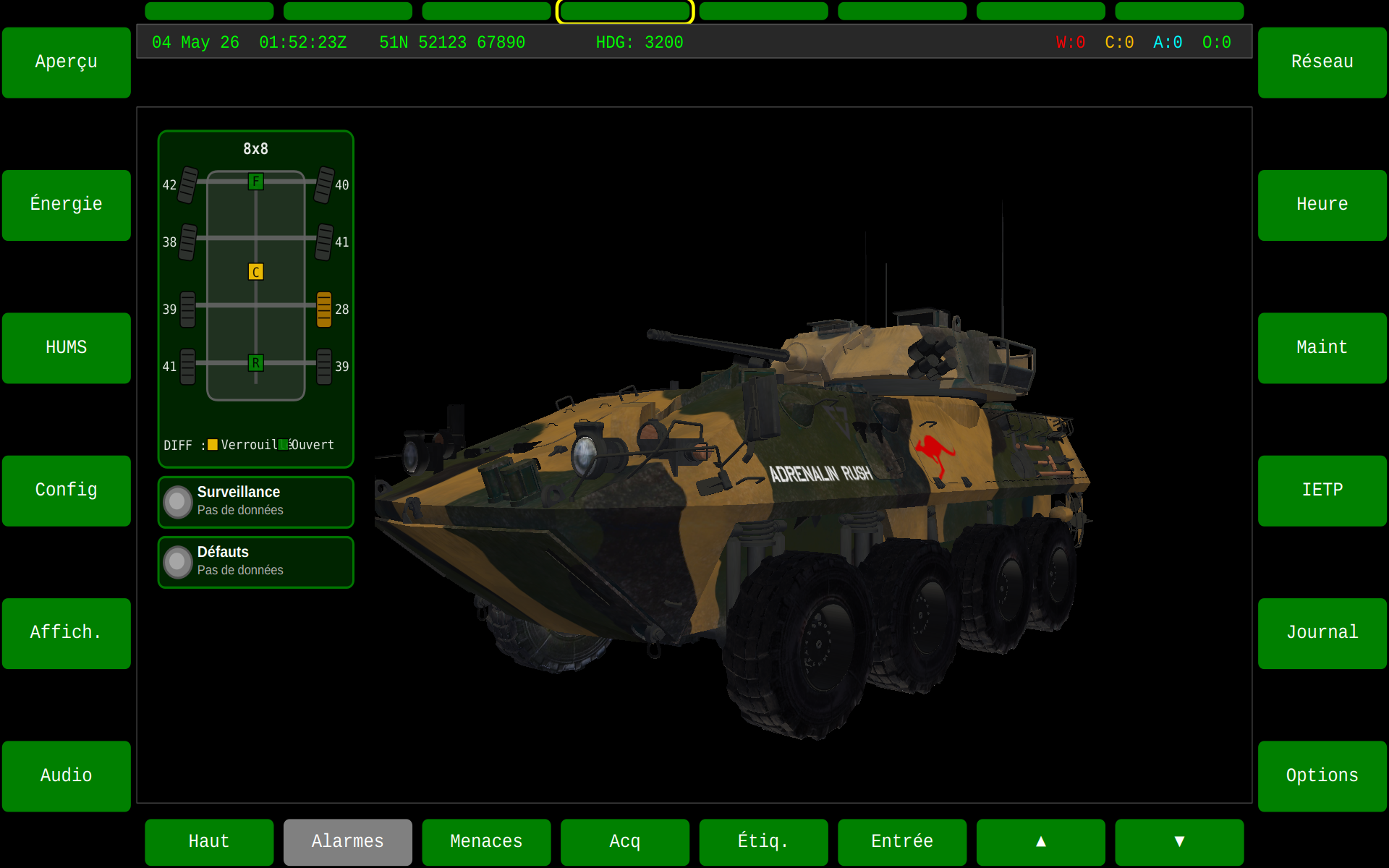
French HMI with Default Theme
All function keys display translated labels: "Menaces" (Threats), "Alarmes" (Alarms), "Entrée" (Enter), etc.
Spanish HMI with Astute Blue Theme
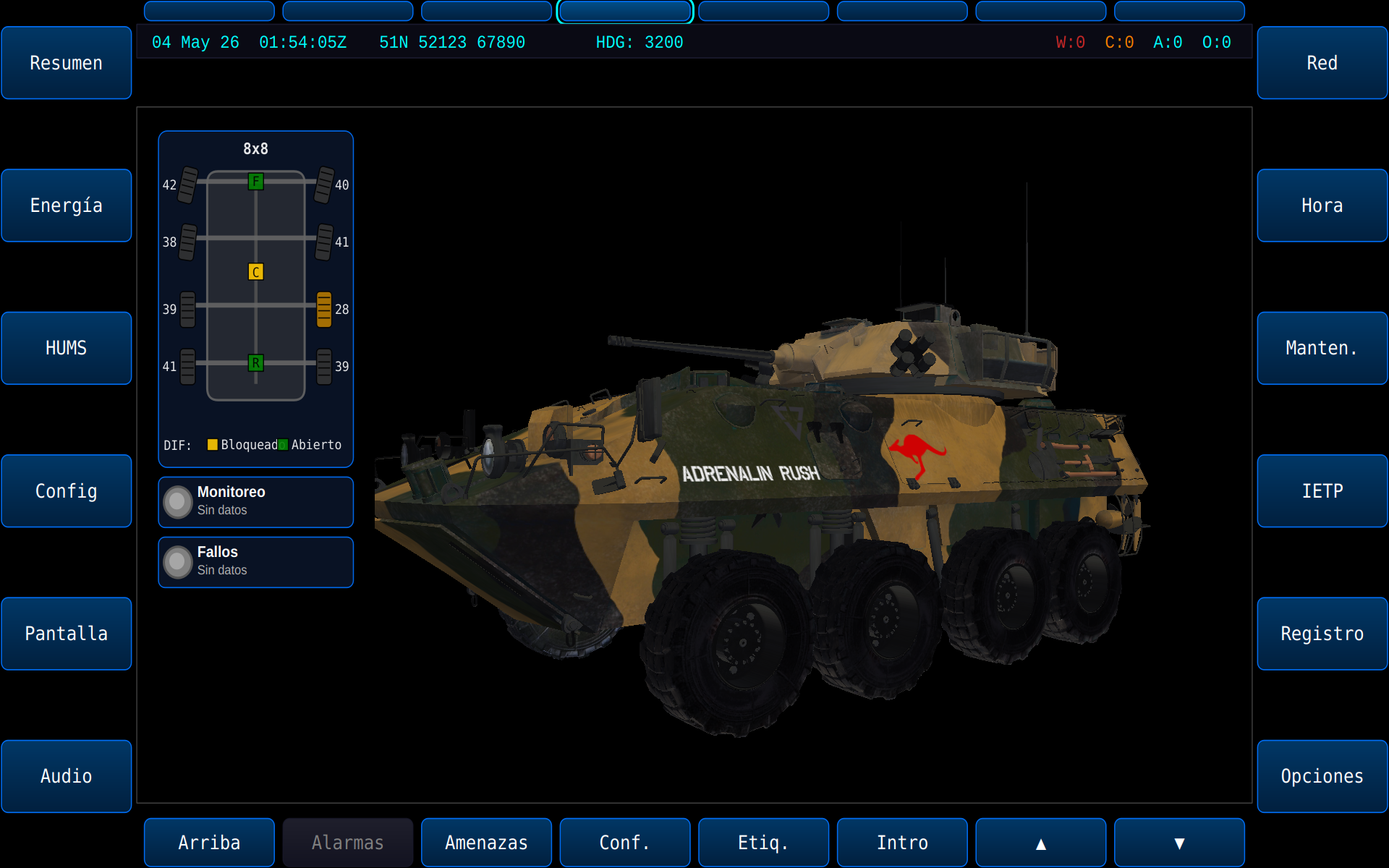
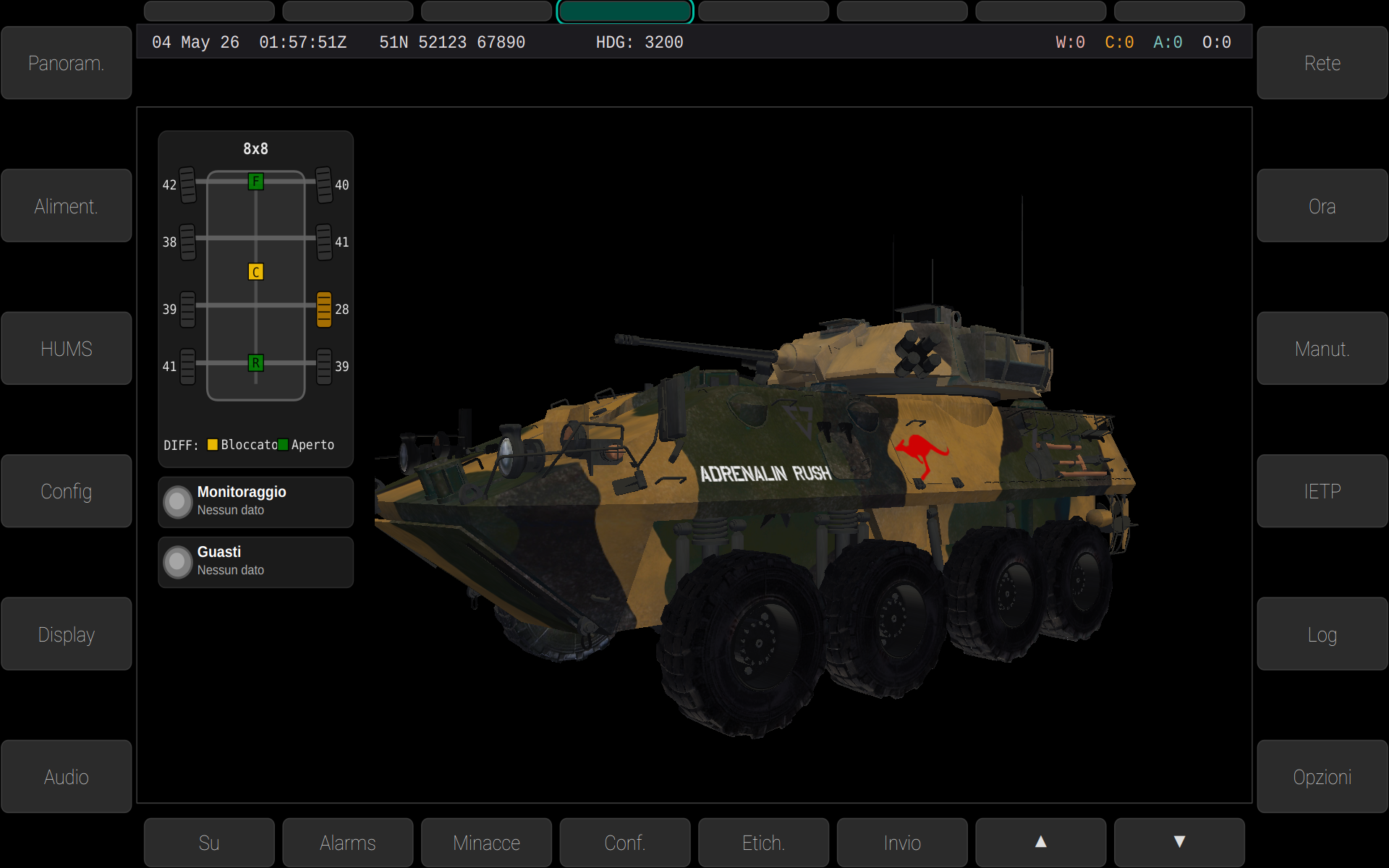
Italian HMI with Android Theme
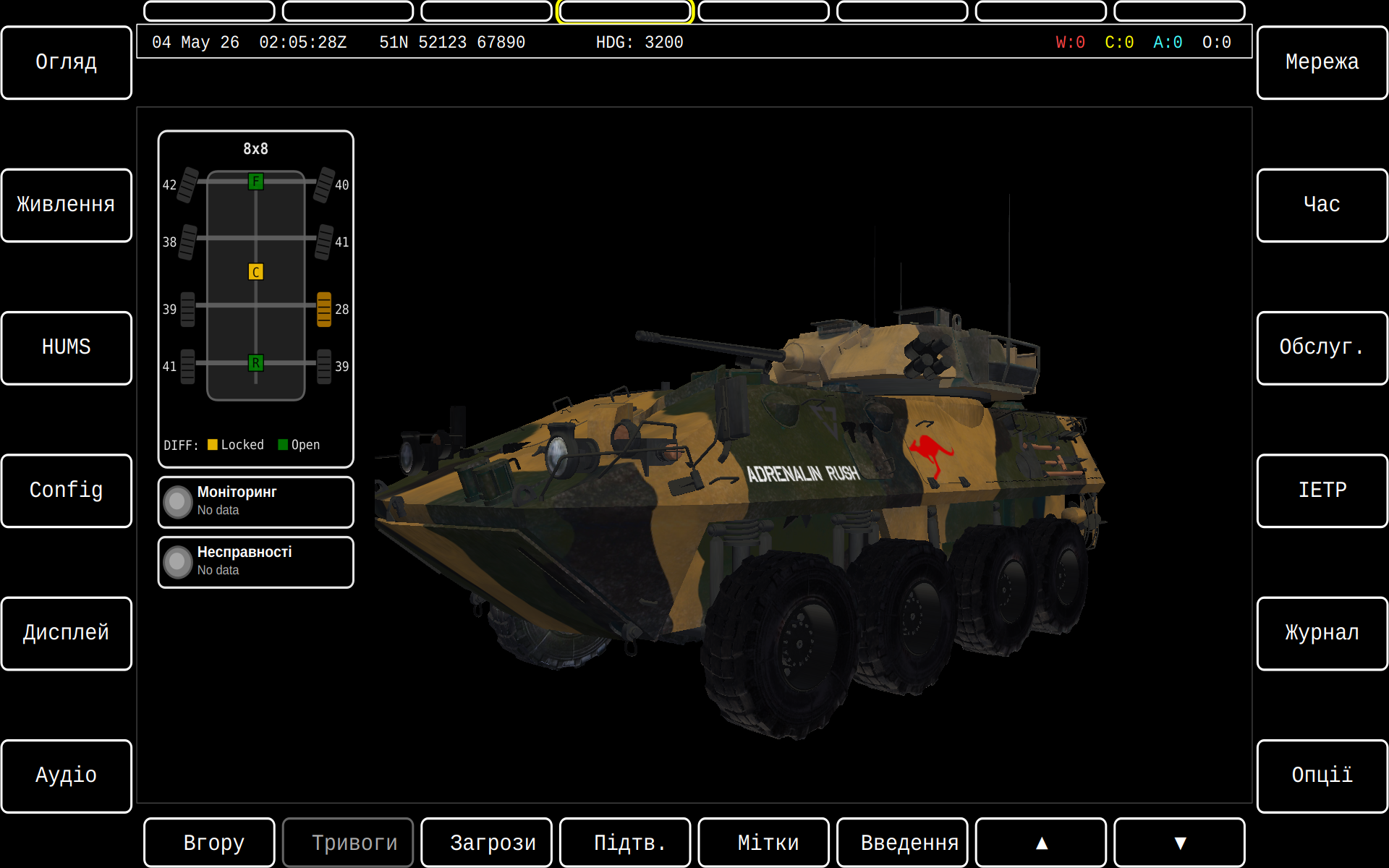
Ukrainian HMI with High Contrast
Configuration File Example
A complete configuration combining language, theme, and streams:
{
    "language": "fr",
    "theme": "blue",
    "streams": [
        {"name": "Front Camera", "url": "rtp://239.192.1.1:5004"}
    ]
}
Adding New Languages
To add support for a new language:
-
Create a
.tssource file using Qt Linguist orlupdate: -
Translate strings in Qt Linguist — open the
.tsfile and provide translations for each source string. -
Compile to
.qmbinary format: -
Deploy the resulting
gva-hmi_<lang>.qmfile to one of the search paths listed above. -
Repeat for the widgets library (
gva-widgets_<lang>.ts) if widget-level strings need translation.
See Also
- Themes — visual theme customisation
- GVA HMI Overview — full HMI documentation